
Ship Building
Master the grid-based construction system to design functional ships from salvaged parts with hull walls, power, and life support.
Introduction
Ship building in Ostranauts uses a grid-based construction system with 5 vertical layers: subfloor, floor, lower space, upper space, and ceiling. Players place floor and wall placeholders, then build them manually or via the orders queue. Power conduits run through the ceiling layer, connecting batteries to ship systems. Life support includes HVAC systems, air pumps, O2 pressure alarms, and RCS intakes and thrusters. The minimum flight requirements are a navigation station, at least one thruster and intake, antenna, transponder, and a battery. Ship rating format W-X-Y-ZZZZ determines value at the ship broker kiosk in K-Leg.
Ship Building Quick Reference
| System | Components | Priority | Notes |
|---|---|---|---|
| Minimum Flight | Nav station, thruster, intake, antenna, transponder, battery | S | Required before leaving dock |
| Power | Batteries → Fusion reactor | S | Reactor enables torch drive |
| Life Support | HVAC, air pump, O2 alarm, RCS | A | Gas equalizes through open spaces |
| Tools | Cutter, welder, screwdriver, prying | A | Power tools need charged batteries |
| Ship Rating | W (condition) X (rooms) Y (thrust) Z (size) | B | Calculated at ship broker kiosk |
Build Steps
Collect Materials
20 floors and 11 walls from existing structures or derelicts
Place Floors & Walls
Use build menu: R to rotate, click to place, toggle Auto
Install Power & Life Support
Power conduits in ceiling, connect batteries, add HVAC and air pumps
Flight-Ready Check
Nav station, thruster, intake, antenna, transponder, battery required
Ship Rating System
W-X-Y-ZZZZ format determines value at the ship broker kiosk in K-Leg commercial district
Core Mechanics
The grid-based construction system operates on 5 vertical layers: subfloor, floor, lower space, upper space, and ceiling. Floor and wall placeholders are placed via the build menu, then built manually through the Actions Menu or orders queue. Install the last wall from inside the build area. Rooms are linked by uninstalling a shared wall — HVAC and air pumps equalize pressure automatically through connected rooms. Power conduits run in the ceiling layer, connecting batteries to ship systems. The minimum flight requirements include a navigation station, at least one thruster and intake, antenna, transponder, and a battery.
Advantages
The modular grid-based system is incredibly flexible — any ship configuration is possible from a tiny salvage tug to a large interplanetary vessel. Components are reusable and can be uninstalled and rearranged, allowing iterative design improvements. The diegetic build system integrates naturally with gameplay — building walls, running power, and installing life support mirrors the same tasks you perform during salvaging. The ship rating system provides clear optimization targets for maximizing value at the ship broker.
Challenges
The building system can be time-consuming, especially for large ships — every wall and floor must be placed individually. The lack of blueprint or copy-paste functionality means each ship is built from scratch. Building the last wall from inside the build area is a frustrating design constraint. Component condition degrades over time, requiring ongoing maintenance. The ship rating system does not account for aesthetics, only functional metrics, which can be limiting for creative builders.
Frequently Asked Questions
What are the minimum flight requirements?+
How do I link rooms together?+
How is ship rating calculated?+
Quick Tips
Collect 20 floors and 11 walls before starting construction — remove obstructing equipment first
Press R to rotate floor/wall placeholders, left click to place, toggle Auto for automatic installation
Install the last wall from INSIDE the build area — wall placeholders block movement until built
Activate the heater BEFORE pumping gas into a room to avoid pressure spikes that destroy hull
Use nitrogen (cheaper than oxygen) to reduce oxygen loss when losing pressure — press G to see all gases
Featured
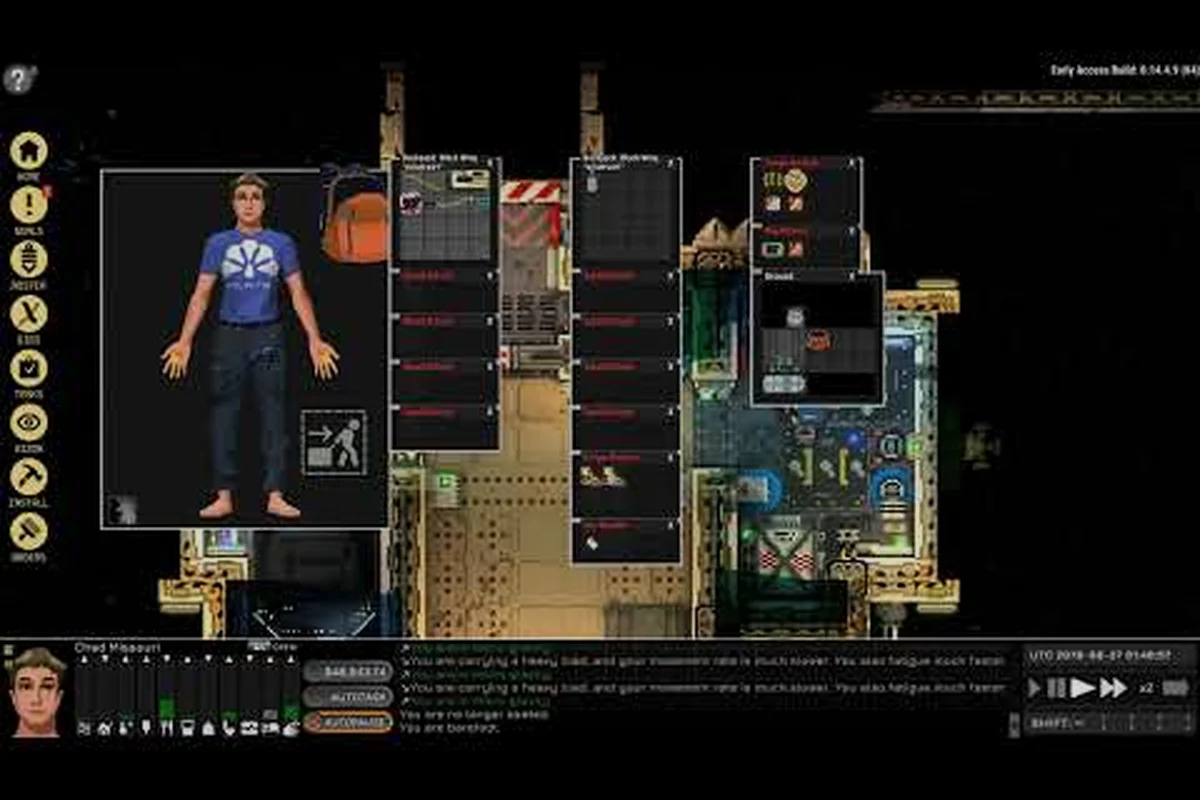
Ostranauts Ship Construction: A Complete Building Guide
Learn Ostranauts ship construction from scratch with our guide on grid systems, room types, part placement, and pro building strategies for 1.0.

Ostranauts Ship Design: Complete Blueprint & Layout Guide
Master Ostranauts ship design with proven layout strategies, component placement tips, and grid-based blueprints for every mission profile.
Ostranauts Build a Ship: Complete 2026 Construction Guide
Learn how Ostranauts build a ship from scratch with this guide covering hull selection, grid systems, rooms, wiring, and life support integration.
All Articles
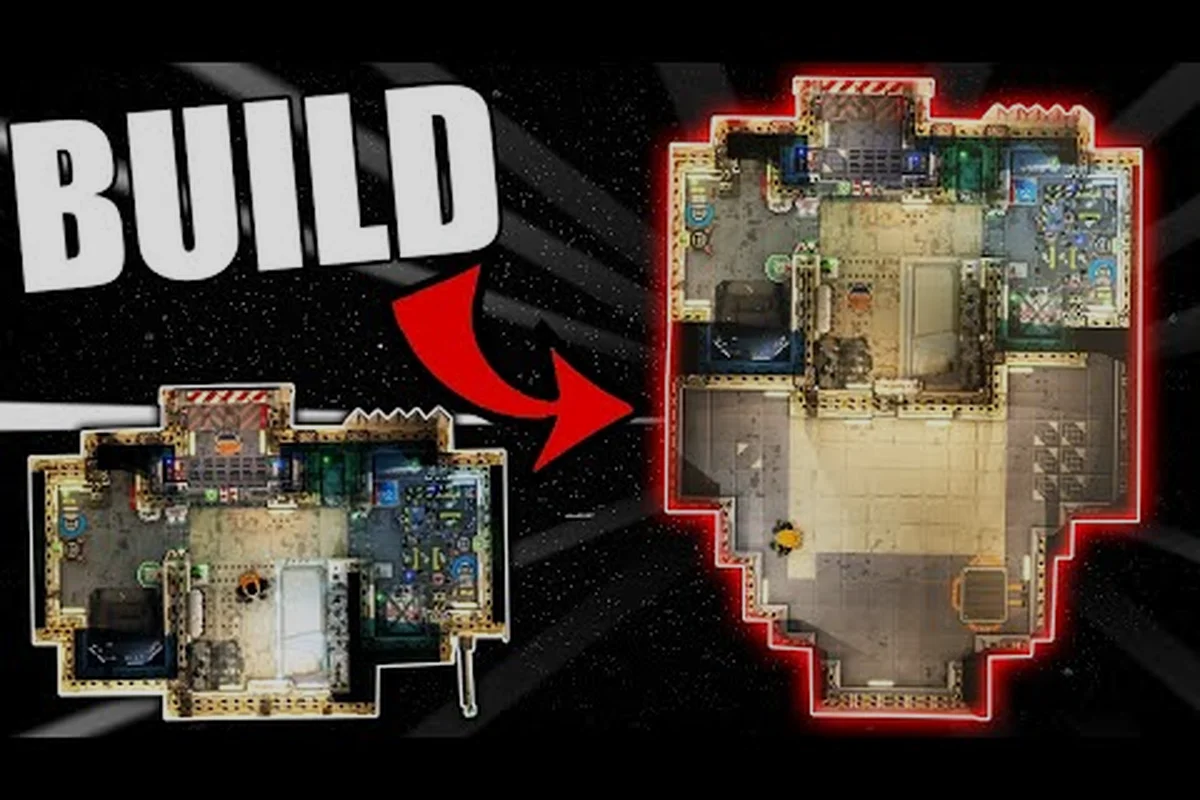
Ostranauts Ship Building: A Complete Beginner's Guide
Master Ostranauts ship building with this comprehensive guide covering grid systems, room types, parts, and step-by-step construction tips for new players.

Ostranauts Ship Customization: Complete Blueprint Guide
Ostranauts ship customization explained: interior modules, hull parts, room layouts, and performance tuning for a safer, more profitable ship.
Ostranauts Ship Editor: Blueprint Customization Made Easy
Master the Ostranauts ship editor with our blueprint guide. Learn grid placement, part selection, room design, and crew workflow for custom spaceships.

Ostranauts Ship Layout Guide: Design Efficient Ships
Master your Ostranauts ship layout guide with proven design rules, grid strategies, and room placement tips to build efficient, livable, and profitable vessels.
Ostranauts Hull Placement: Complete Grid Building Guide
Master Ostranauts hull placement with our grid-based ship building guide covering room adjacency rules, engine placement, life support zones, and common mistakes to avoid.